


MTrans for Office
Want to translate documents without disrupting layout or style
Even if the language changes,
the form of communication remains the same.
With MTrans for Office, even if the amount of text changes, the layout won’t break, and you can finish the document as is right after translation.
You are freed from worrying about the appearance and can focus entirely on the translation itself.
Feature 1
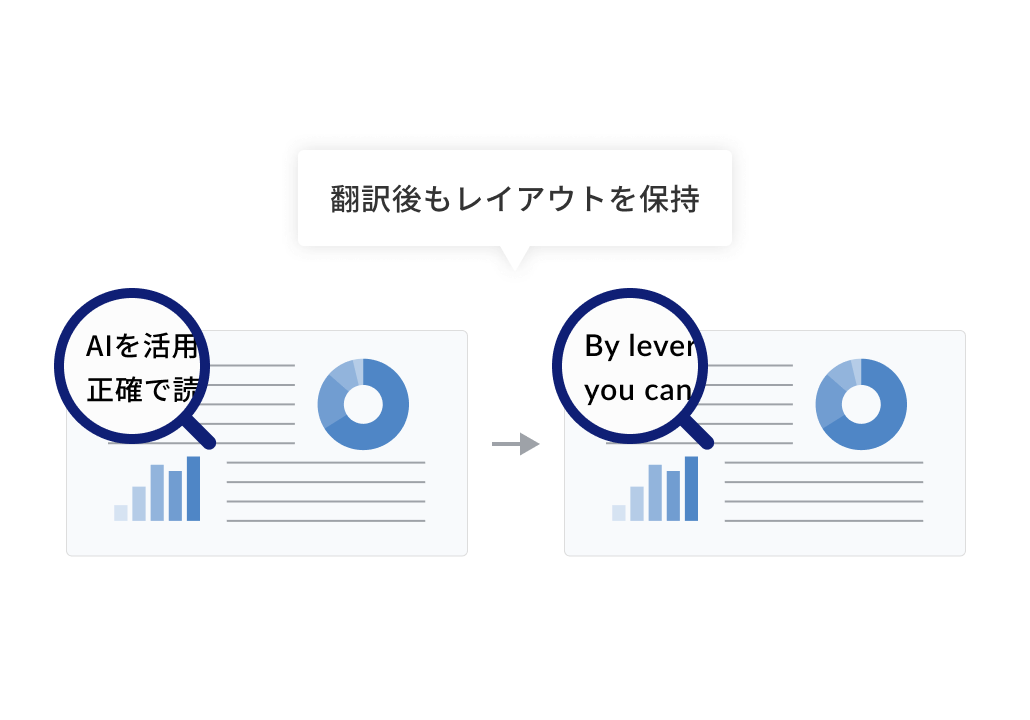
No need to adjust the layout
Even if the amount of text increases or decreases after translation, the translation is adapted to fit the original layout.
Unlike generative AI, which tends to break layouts when copying and pasting, this translates while maintaining the layout within the Office document, so there is no need for corrections and the document is completed simultaneously with the translation.
Feature 2
Consistent Tone and Notation
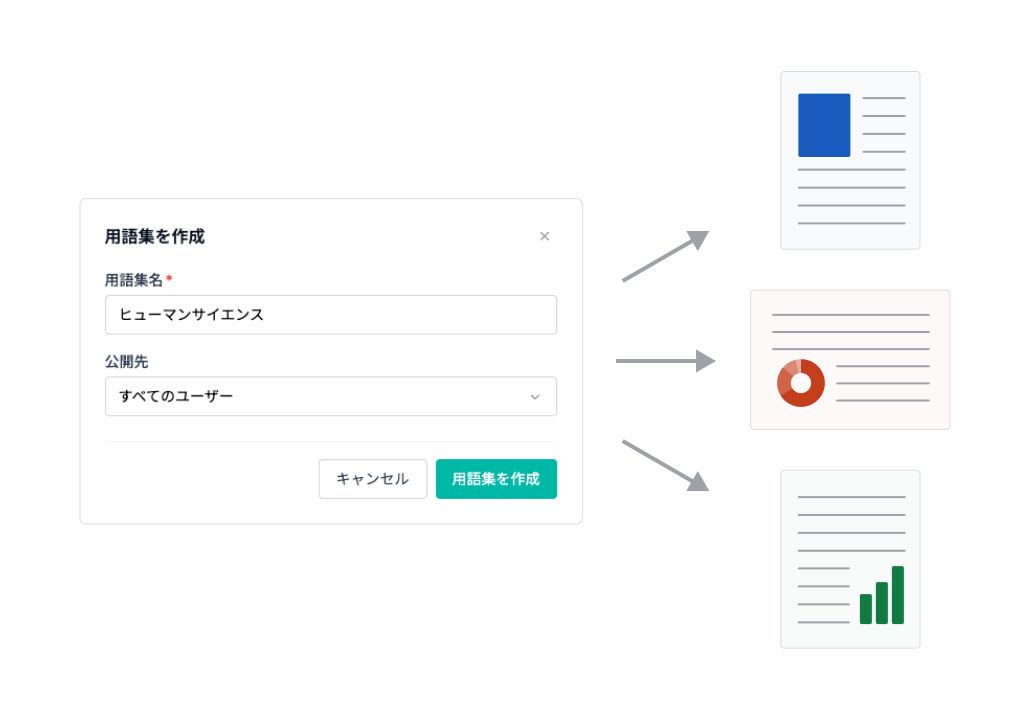
The translated text can be automatically corrected based on AI prompts and pre-registered search-and-replace rules.
Since glossaries can also be registered and shared, a consistent use of language is maintained across all documents created within the company.
For those who want to learn more about the features
Check it out with a 14-day free trial!
Why not actually verify the differences from other company tools and human translation?
Blog
Related Blog Posts
-
 [Excel Translation] 4 Ways to Translate Excel! Explaining Bulk, Free, and DeepL Methods and Tips to Preserve Layout
-
 How to Translate PDFs with AI (ChatGPT)! Examples of Translation Prompts, Tips for Maintaining Layout, and Explanation of Safe Tools
-
 So You Want to Translate PowerPoint Materials! Effective Solutions and Useful Translation Tools
Please feel free to contact us if you have any questions about introducing MTrans for Office
03-5321-3111[Tokyo Head Office]
Reception hours: 9:30 AM to 5:00 PM JST
03-5321-3111[Tokyo Head Office]
Reception hours: 9:30 AM to 5:00 PM JST
 Return to the top of the page

 +81 35-321-3111[Tokyo Headquarters]
  Contact Us
 Request for Information