


MTrans for Office
Want to Reduce the Manual Work Involved in Document Translation Even More
Translation work is completed within Office tools.
MTrans for Office is an AI translation and writing tool that can be used directly on Word, Excel, PowerPoint, and Outlook.
Translation is completed within Office without opening another tool.
Depending on your environment, it also supports reading and translating scanned PDFs.
- Feature 1 Drafting and proofreading before translation become easier!
- Feature 2 Translation work becomes smooth with one click
- Feature 3 Reduces the time required for post-translation adjustments
Feature 1
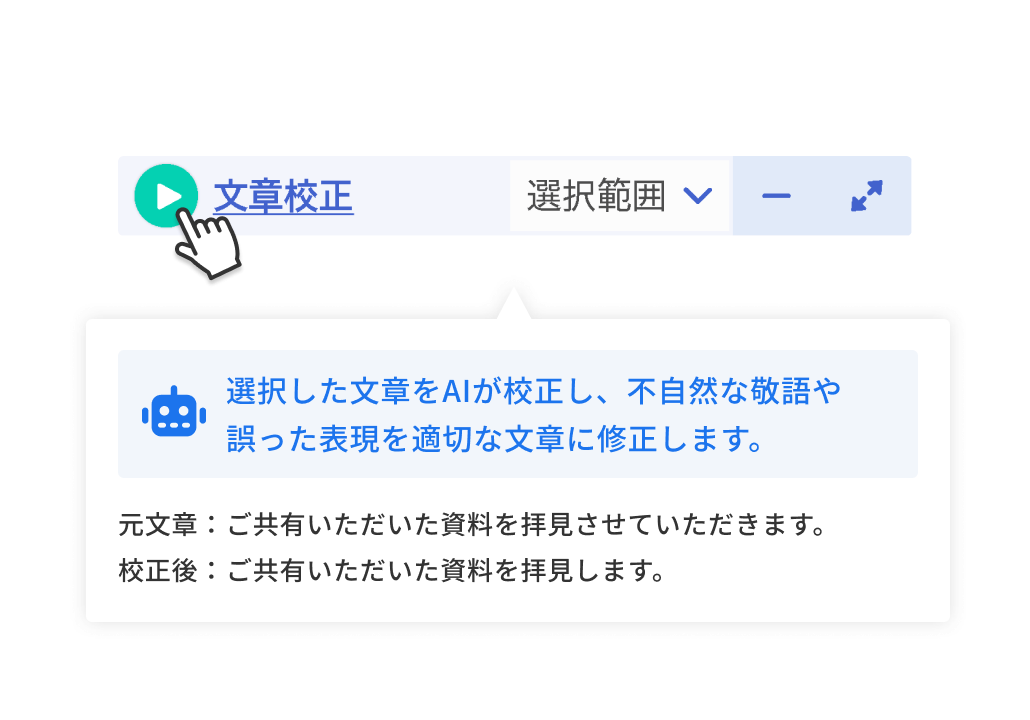
Drafting and proofreading before translation become easier!
By giving instructions to the AI, you can correct drafts and proofread text and images. This eliminates the need to revise the original document after translation in advance.
Also, with the Windows version using the Google or DeepL engine, you can translate scanned PDFs into translated documents and edit them directly.
Feature 2
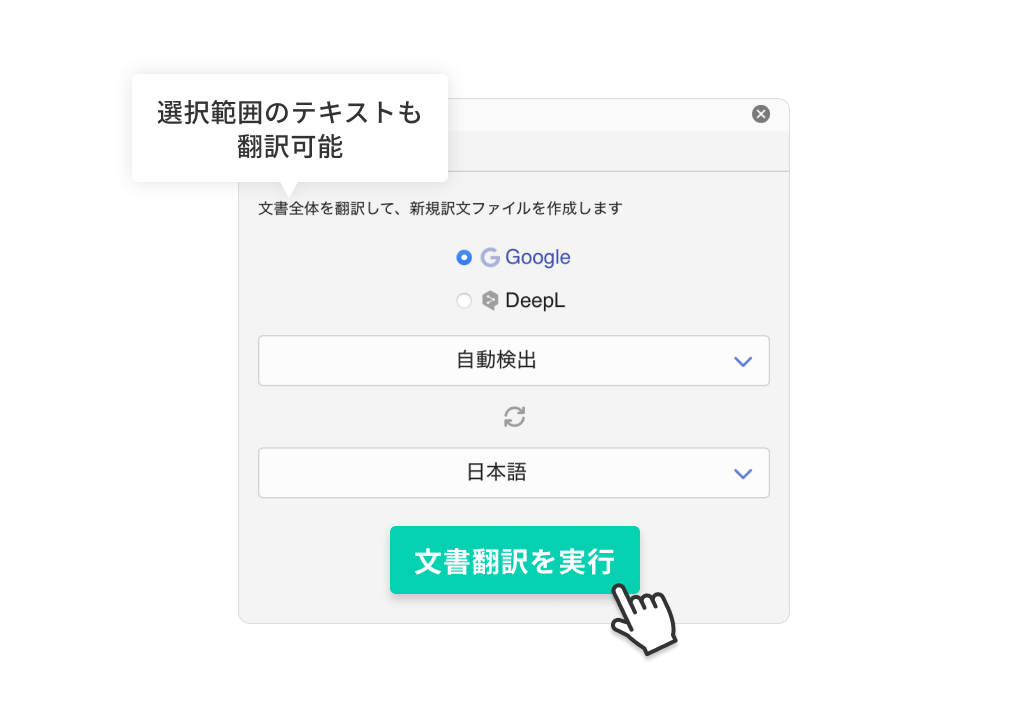
Smooth translation work with one click
Since it is an add-in, just click the button within the Office document.
You can translate without the hassle of copy & paste required by other translation tools or generative AI.
Feature 3
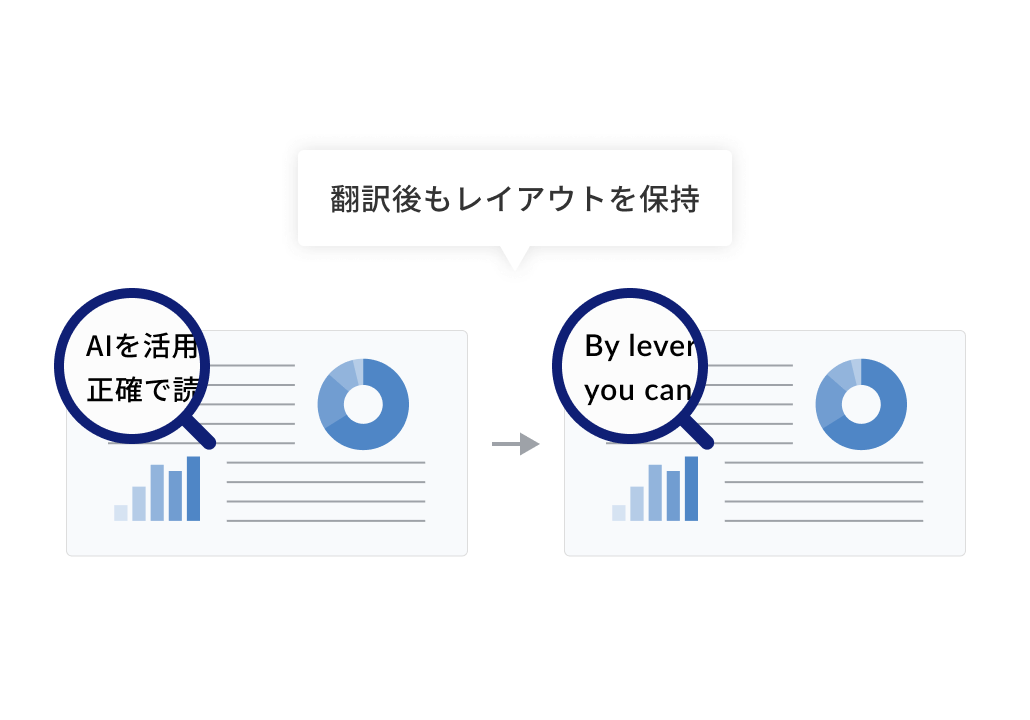
Reduce the time required for post-translation adjustments
With the layout retention feature, there is no need to adjust the layout after translation.
Also, if you register a glossary in advance, you can achieve consistent translations without variation, eliminating the need for corrections.
For those who want to learn more about the features
Check it out with a 14-day free trial!
Why not actually verify the differences from other company tools and human translation?



Please feel free to contact us if you have any questions about introducing MTrans for Office
03-5321-3111[Tokyo Head Office]
Reception hours: 9:30 AM to 5:00 PM JST
03-5321-3111[Tokyo Head Office]
Reception hours: 9:30 AM to 5:00 PM JST
 Return to the top of the page

 +81 35-321-3111[Tokyo Headquarters]
  Contact Us
 Request for Information